

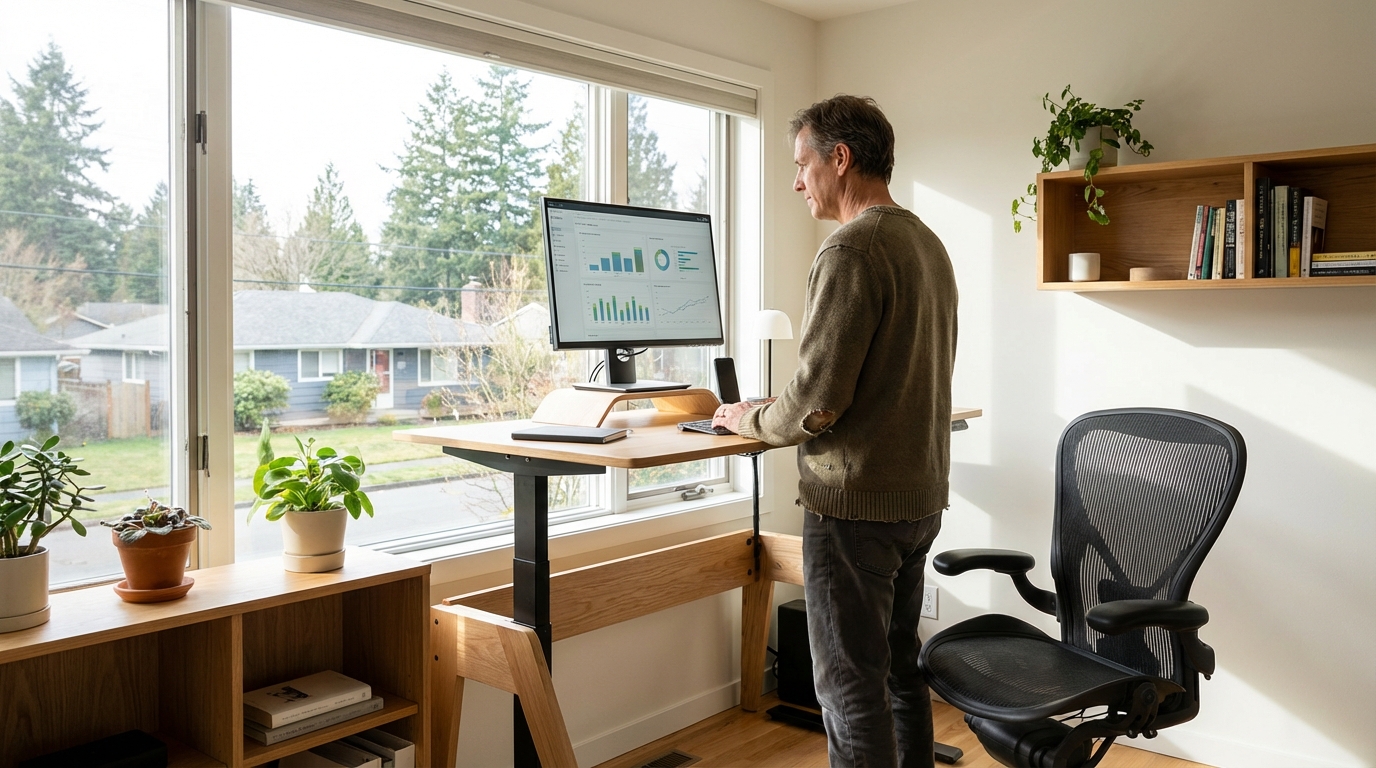
Remote work has shifted from exception to expectation for millions of Canadian knowledge workers — and the quality of your home office setup now directly impacts your productivity, physical health, and even your tax situation. Yet most remote workers in Canada are using an improvised setup: a laptop on a kitchen table, a dining chair that's slowly damaging their spine, and no reliable video conferencing background. Building a proper home office doesn't require spending $10,000. It requires knowing which investments make the biggest difference.
The Problem
Musculoskeletal disorders are the leading cause of workplace disability claims in Canada. Remote workers are 40% more likely to develop neck and back problems when working from an improper setup. The average cost of a proper ergonomic workstation ($800–$1,500) is less than one physiotherapy treatment series ($600–$1,200) — and many costs are tax-deductible for remote workers.
Essential Equipment: Budget vs. Mid-Range vs. Premium
| Equipment | Budget Option | Mid-Range (Recommended) | Premium |
|---|---|---|---|
| Monitor (24–27") | $150–$250 (1080p) | $300–$500 (1440p IPS) | $600–$1,200 (4K OLED) |
| Ergonomic chair | $200–$400 | $400–$800 (Hon Ignition, Branch) | $800–$1,800 (Herman Miller, Steelcase) |
| Sit-stand desk | $250–$450 (manual crank) | $600–$1,000 (motorized) | $1,200–$2,500 (Uplift, Flexispot) |
| Webcam (1080p) | $50–$80 (Logitech C920) | $100–$180 (Logitech C925/C930) | $200–$400 (Elgato Facecam, Sony) |
| Headset / microphone | $30–$80 (headset) | $80–$200 (dedicated USB mic) | $200–$500 (XLR mic + interface) |
| Keyboard + mouse | $30–$60 (combo) | $100–$200 (mechanical keyboard, ergonomic mouse) | $250–$500 (split keyboard, trackball) |
| Desk lamp | $25–$50 | $60–$150 (LED with colour temp control) | $200–$500 (BenQ ScreenBar, Elgato Key Light) |
Ergonomics: The Non-Negotiable Investments
The chair and monitor position have the highest impact on long-term health. These three adjustments should be your first priority — they're free:
- Monitor height: The top of your screen should be at eye level or slightly below. If you're looking down at a laptop, your neck bears 4–5x more force than when looking straight ahead. Use a monitor stand or laptop riser ($30–$80) and an external keyboard/mouse.
- Chair height: Feet flat on the floor, knees at 90 degrees, hips slightly higher than knees. If your chair doesn't adjust adequately, a footrest ($25–$60) fixes this.
- Arm position: Elbows at 90 degrees, wrists neutral when typing. Wrist rests ($15–$40) help but are secondary to correct height.
The sit-stand desk is the most impactful upgrade after basic ergonomics. Sitting for more than 6 hours/day is independently associated with increased cardiovascular risk and back problems. Standing for 1–2 hours per 8-hour workday reduces these risks significantly — and many users report higher energy and focus during standing periods.
Internet and Connectivity
A slow or unreliable internet connection is one of the highest-impact productivity killers for remote workers — and also fully tax-deductible for home office claims. The minimum for comfortable video conferencing (Zoom, Teams, Meet) is 10 Mbps upload; 25+ Mbps is recommended for stable HD video.
| Internet Type | Typical Speed Range | Reliability | Monthly Cost (Canada) |
|---|---|---|---|
| Cable (Coax) | Down: 100–1,000 Mbps / Up: 10–50 Mbps | Good | $55–$100 |
| Fibre optic | Down: 300–3,000 Mbps / Up: 300–3,000 Mbps | Excellent | $65–$120 |
| DSL | Down: 10–100 Mbps / Up: 1–10 Mbps | Moderate | $45–$80 |
| Fixed wireless (5G home) | Down: 50–400 Mbps / Up: 20–100 Mbps | Variable | $55–$90 |
| Starlink (satellite) | Down: 50–200 Mbps / Up: 10–40 Mbps | Good (rural) | $140/month + $599 hardware |
For anyone on Wi-Fi, a $40–$80 wired Ethernet connection from your router to your desk eliminates 90% of video call drops and lag. Run a cable or use a powerline adapter (TP-Link AV600, ~$50) if you can't run a direct line.
The Canadian Home Office Tax Deduction
If you work from home and your employer has certified it (T2200 form), or if you're self-employed, you can deduct home office expenses on your taxes — including a proportional share of rent/mortgage interest, utilities, internet, and office supplies. The simplified flat-rate method (CRA) allows $2/day up to a maximum of $500/year without detailed tracking. The detailed method (Form T777) often yields more:
- Calculate the percentage of your home used for work (office area ÷ total home area)
- Apply that percentage to eligible expenses: rent, utilities, internet, maintenance
- Claim the result on your T1 return
Best-Value Setup for Under $1,000
Laptop riser + external keyboard/mouse: $80. Branch Ergonomic Chair (budget-friendly but genuinely good): $499. A used 24" 1080p monitor from Facebook Marketplace or Kijiji: $80–$120. Logitech C920 webcam: $80. USB condenser mic (Fifine K670): $55. Total: ~$815. This outperforms a $400 all-in-one budget setup in every ergonomic metric that matters. Keep receipts — it may be partially deductible.